
ON THE ROAD
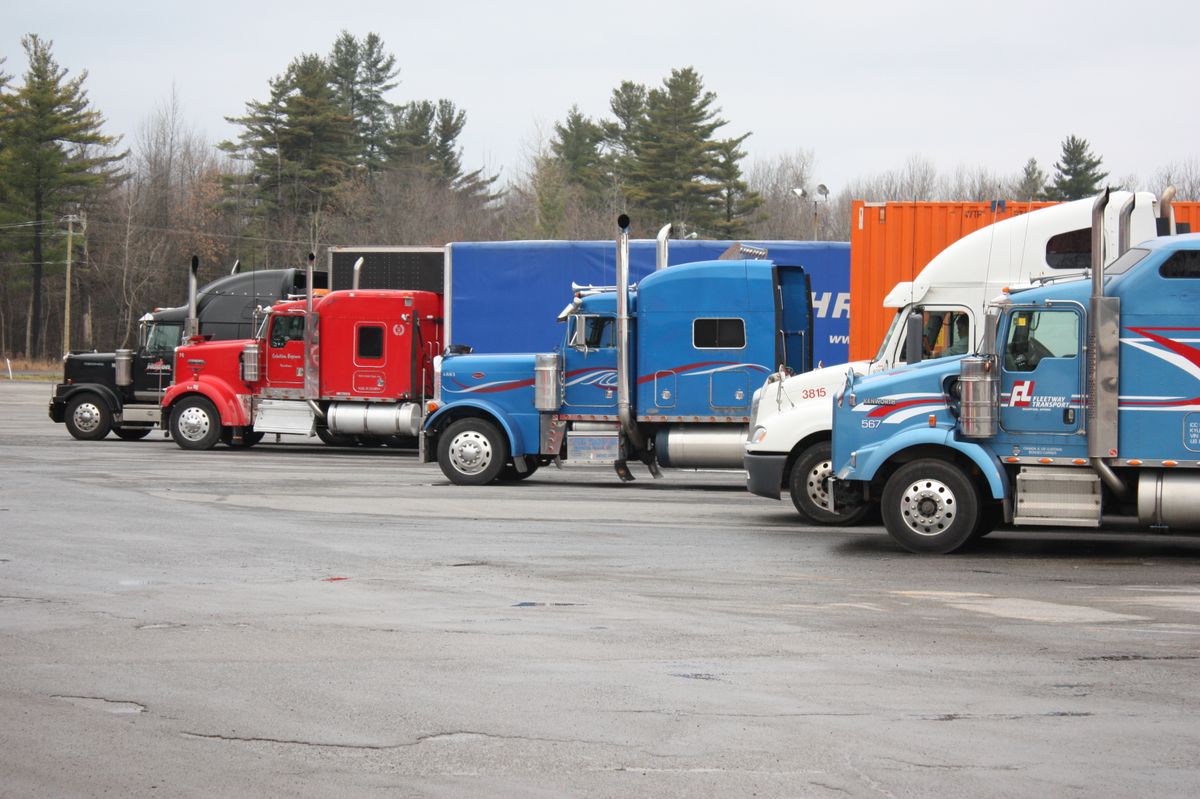
Truck stops
Park safely. Check the network name. Connect.
Privacy at home & on the go.
Make privacy a part of your approach.
Free plan available · No technical experience needed
Recommended for privacy. Optional for BoomBoxTV setup.
01 / The big picture
VPN means “virtual private network.” It scrambles your data on the way to a VPN server.
02 / Take privacy with you
Park safely. Check the network name. Connect.
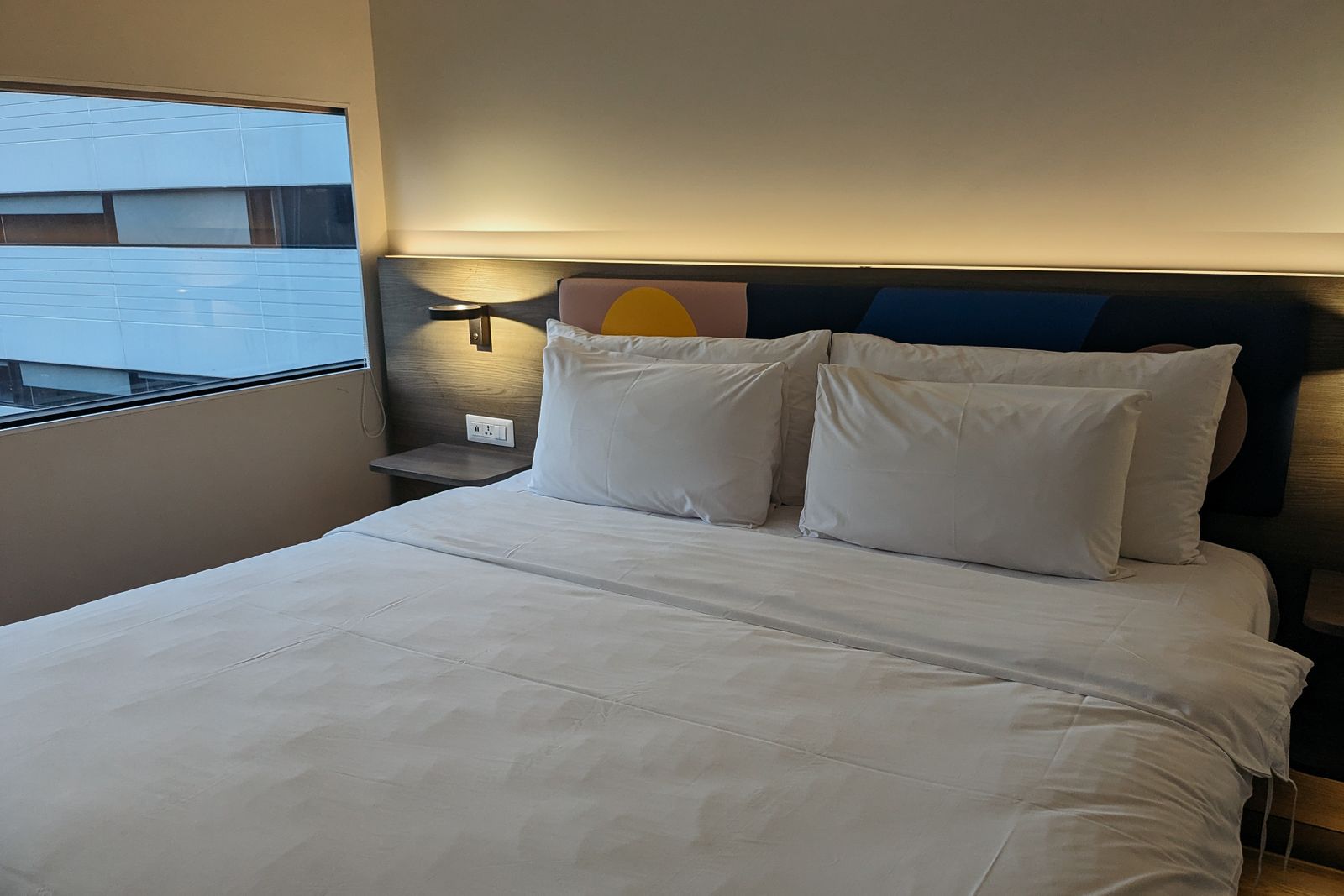
Finish the Wi-Fi sign-in, then turn on your VPN.
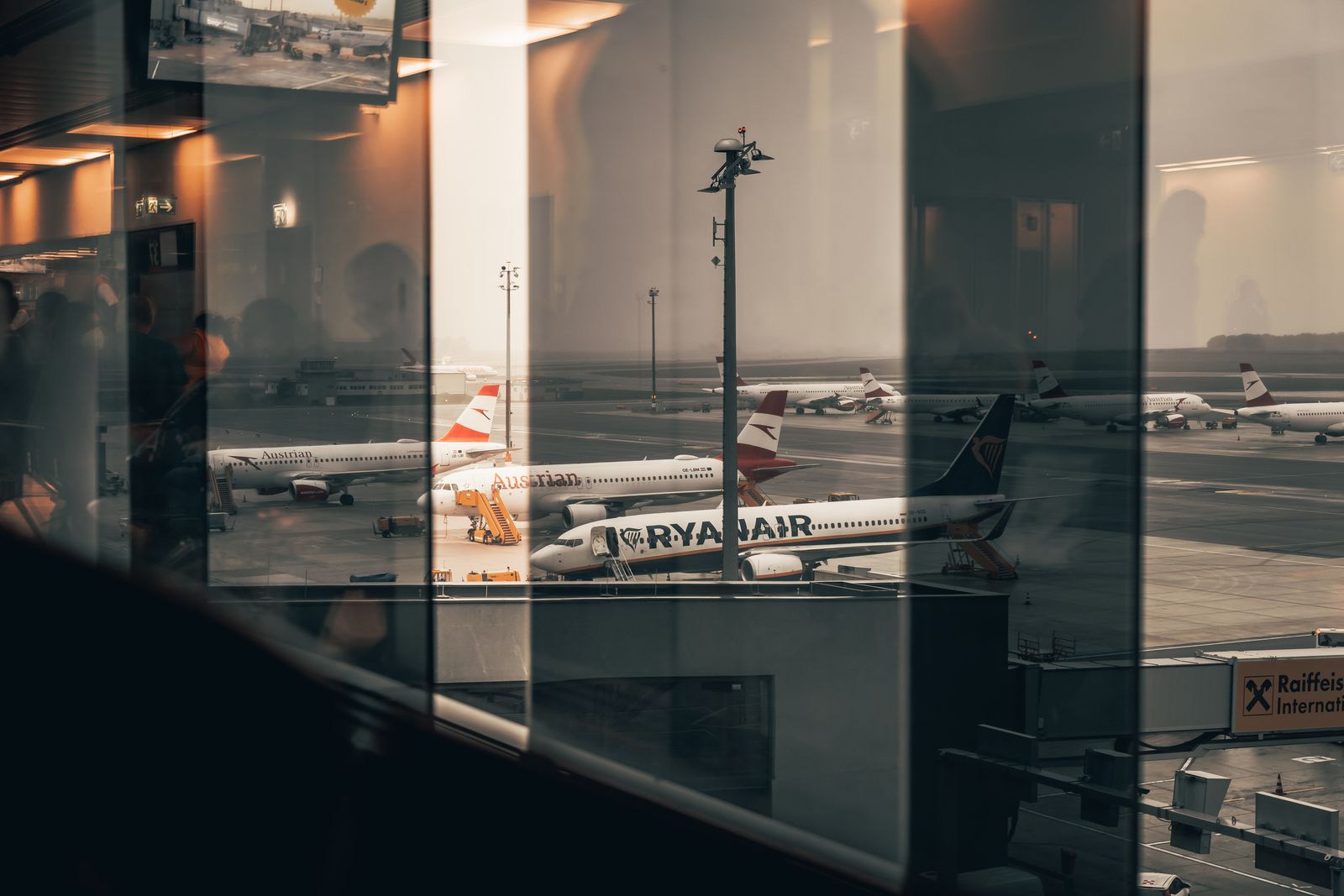
Use the real guest network. Check VPN status.
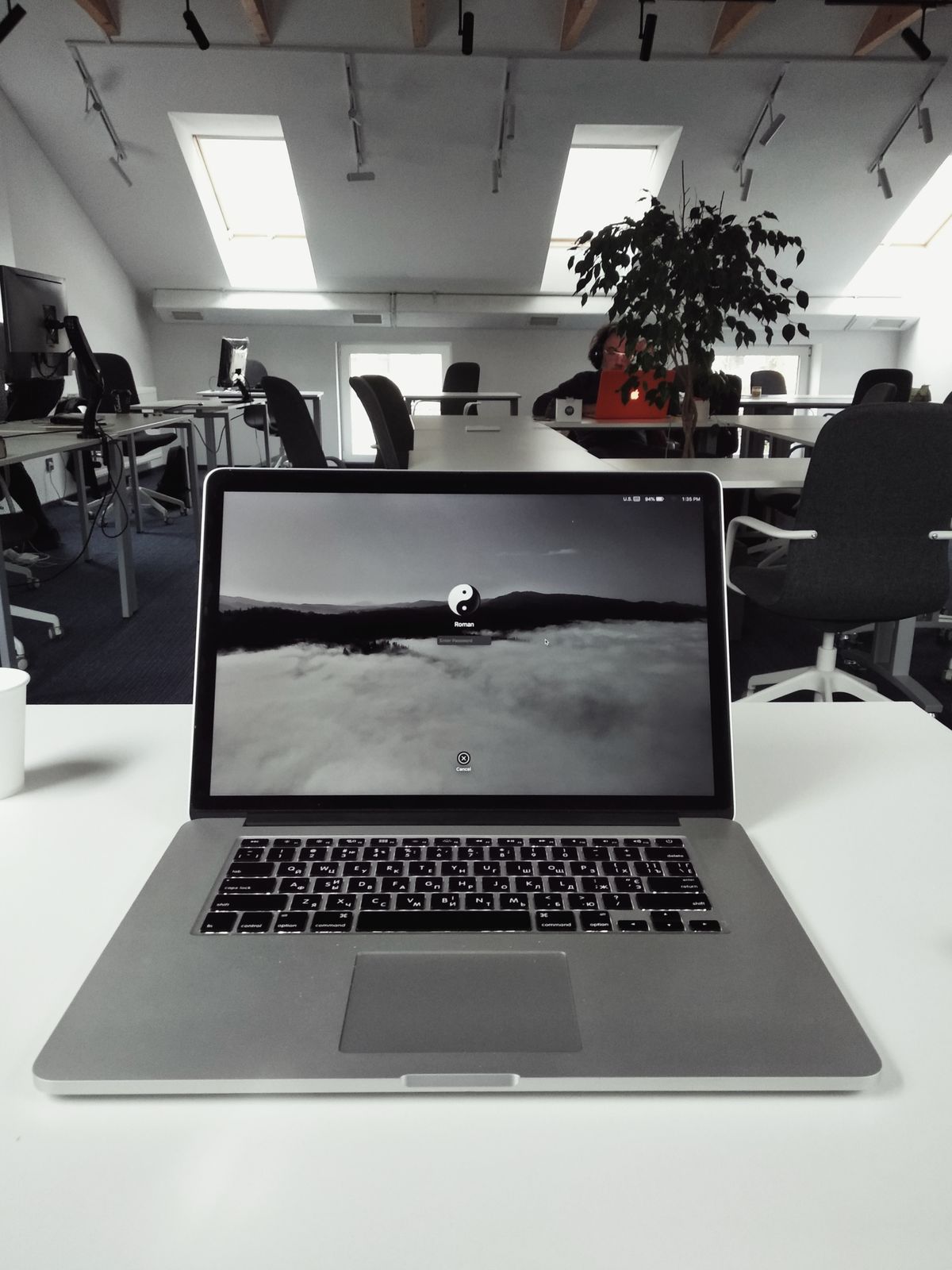
Use your employer’s approved setup and rules.
03 / Why video pauses
It’s how much data can get through at once. More traffic can mean more waiting.
Enough capacity for a steady stream.
Your screen waits for more data to arrive.
Servers get busy too!
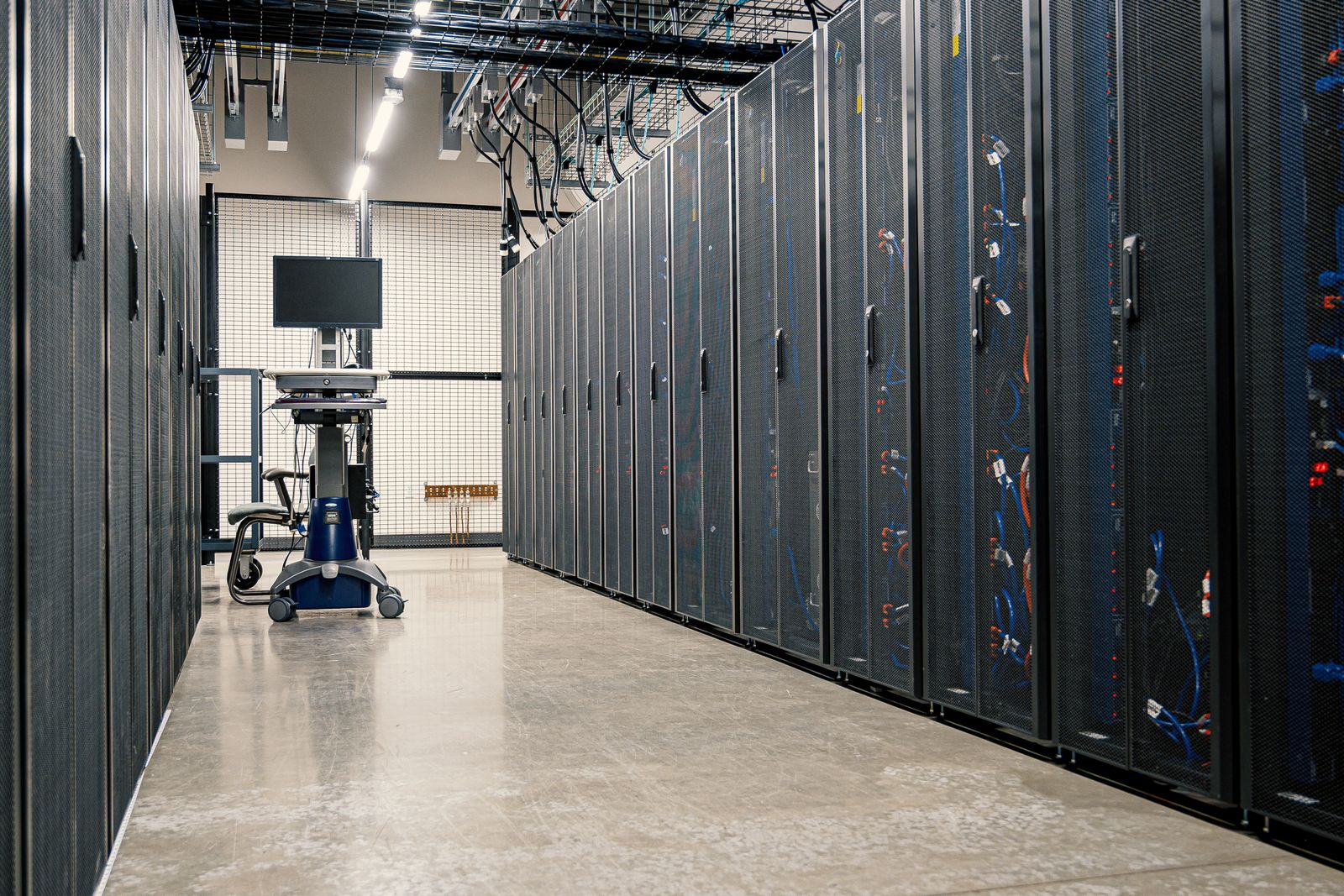
Servers may be full or crowded, which can contribute to buffering.
More server options can help you find a less busy connection.
04 / Start here
We help customers set up Proton VPN. Choose a plan that fits, then use the BoomBox settings below.
FREE PLAN
Free account and servers. Unlimited data for one connected device.
Explore the free VPN ↗Connect → Open BoomBoxTV
Check that the VPN says Connected.
Free servers can get busy. Streaming is not guaranteed.
PAID PLAN
A larger server network and more choices when connections get busy.
Compare free & paid plans ↗Reconnect → Open BoomBoxTV
Reconnect after making changes.
BoomBox Android playback settings · Reference illustrations · Options vary by device
Include mode: only selected apps use the VPN. Add other apps or turn split tunneling off to cover them.
NetShield off: turns off its malware, ad, and tracker filtering. VPN encryption stays on.
Independent setup guidance from BoomBox TV. We are not affiliated with or endorsed by Proton. Provider links are non-affiliate links; we earn no commission from them.
You don’t have to figure it out alone
We can help with the app, your settings, and checking the connection. Send your device name and free or paid plan—or just say “not sure.”
No form to fill out. Keep passwords and payment details private.
Wi-Fi quality, server load, and service compatibility all affect playback. Free-server streaming is not guaranteed; the provider reserves streaming support for paid plans.
The encrypted tunnel runs from your device to the VPN server. HTTPS protects your connection to a website beyond that server. Choose a provider you trust.
The local network can still see that you use a VPN. Accounts and cookies can identify you. A VPN does not make scam sites safe or replace updates, strong passwords, and two-factor authentication.
Connect on each device you want covered. Your phone’s VPN does not automatically cover your TV. Use your employer’s approved VPN for work, and never bypass workplace restrictions.
Install the official VPN app. Complete any Wi-Fi welcome page before connecting, and check for Connected after sleep or a network change.
Menu names vary by device. Choose WireGuard (UDP), sometimes shown with Speed / UDP / WireGuard wording. Do not put BoomBoxTV in an excluded-app list. Use Include mode on paid plans where available.
Auto-connect and a kill switch may be available; a kill switch can block internet traffic if the VPN drops. Split tunneling and kill switches can conflict on some platforms. Ask support if you’re unsure.
Keep passwords and recovery codes private. A paid VPN is optional.
Plan details checked September 23, 2026. Features may change. BoomBox supplied the compatibility settings. Provider links are direct, non-affiliate links.
FTC: public Wi-Fi · Choosing a VPN · Free vs. paid · Server load · Split tunneling · NetShield · Kill switch
Stock photography from Pexels: Brett Sayles — servers · YL Lew — trucks · Markus Winkler — hotel · Lennard Schubert — airport · TRAG Cinema Pictures — office. Used under the Pexels license. Illustrative photos; no provider facilities or brand endorsements are implied.